TRANSCRIPTPAD
Turn transcripts into usable case material
TranscriptPad is deposition transcript software that helps litigation teams review, analyze, and prepare testimony faster by working directly inside the transcript.
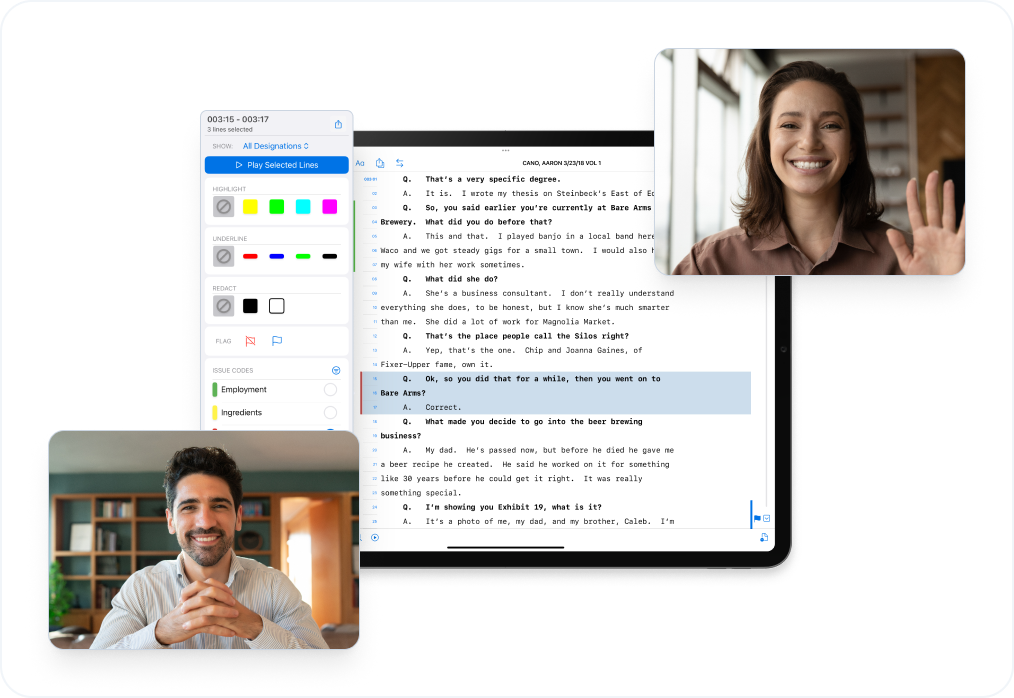
- Highlight, underline, redact, add notes directly in the transcript
- Sync video depositions directly to transcripts
- Get a feel in under an hour

Search & Annotate depositions
Used daily by trial attorneys, associates, and paralegals to build, manage, and present cases

%201.png)














WHAT TRANSCRIPTPAD REPLACES
Built to replace transcript tools that live outside the case
TranscriptPad replaces disconnected transcript workflows that slow litigation teams down.
- PDF transcripts that can’t be searched or organized
- Paper transcripts and handwritten notes
- Desktop tools that don’t integrate with case prep
- Separate highlight, issue, and summary systems
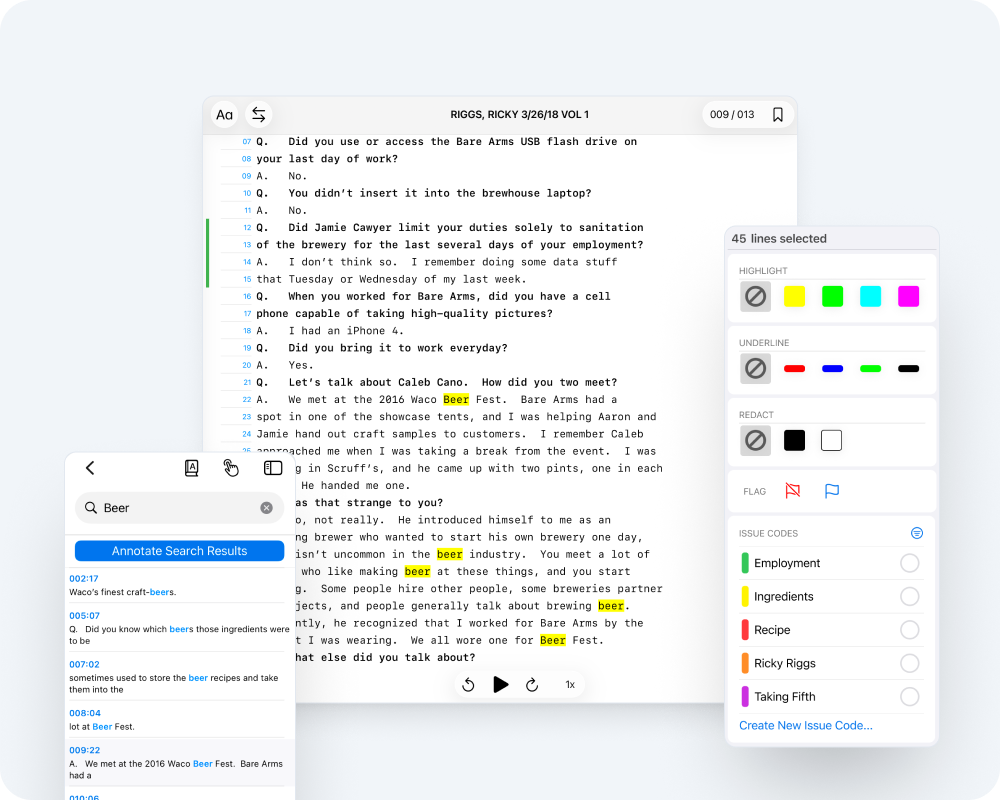
WHY LITIGATORS USE TRANSCRIPTPAD
Transcript control attorneys can act on
- Highlight, underline, redact, and add notes directly in the transcript
- Create designations and assign issue codes where testimony lives
- Capture full Q&A blocks with page and line numbers preserved
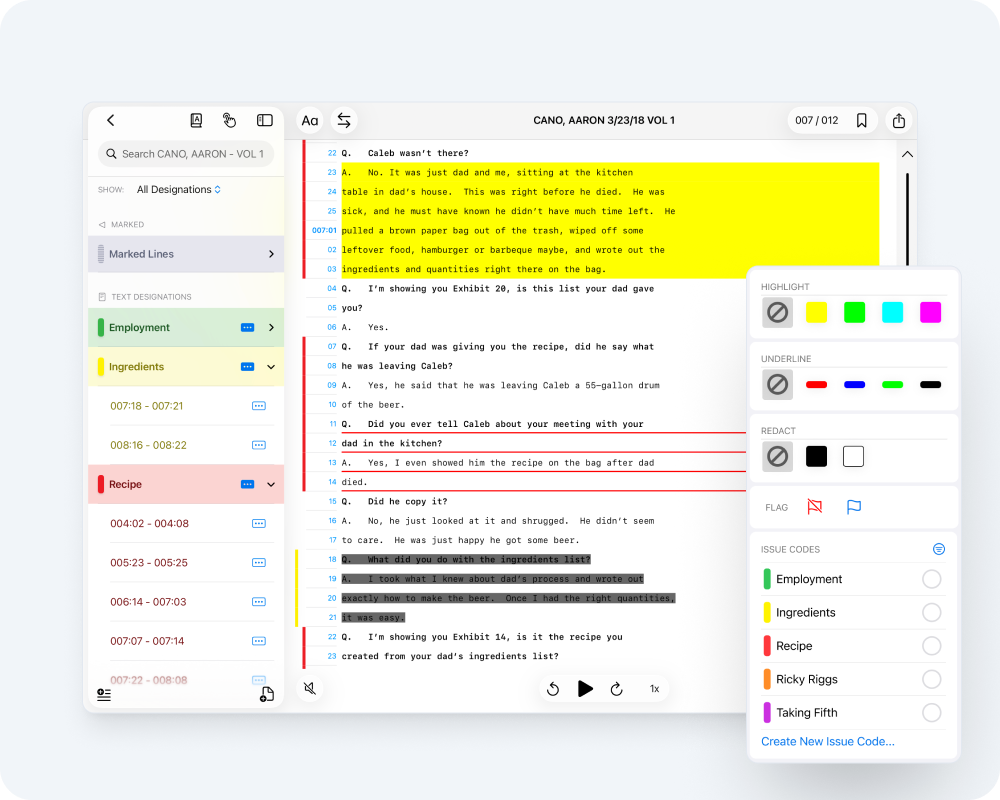
WHY LITIGATORS USE TRANSCRIPTPAD
Faster review without burnout
- Hands-free auto-scroll for continuous reading
- Optional audio read-aloud with different voices for Q&A
- Custom fonts, sizing, and bolded questions for readability
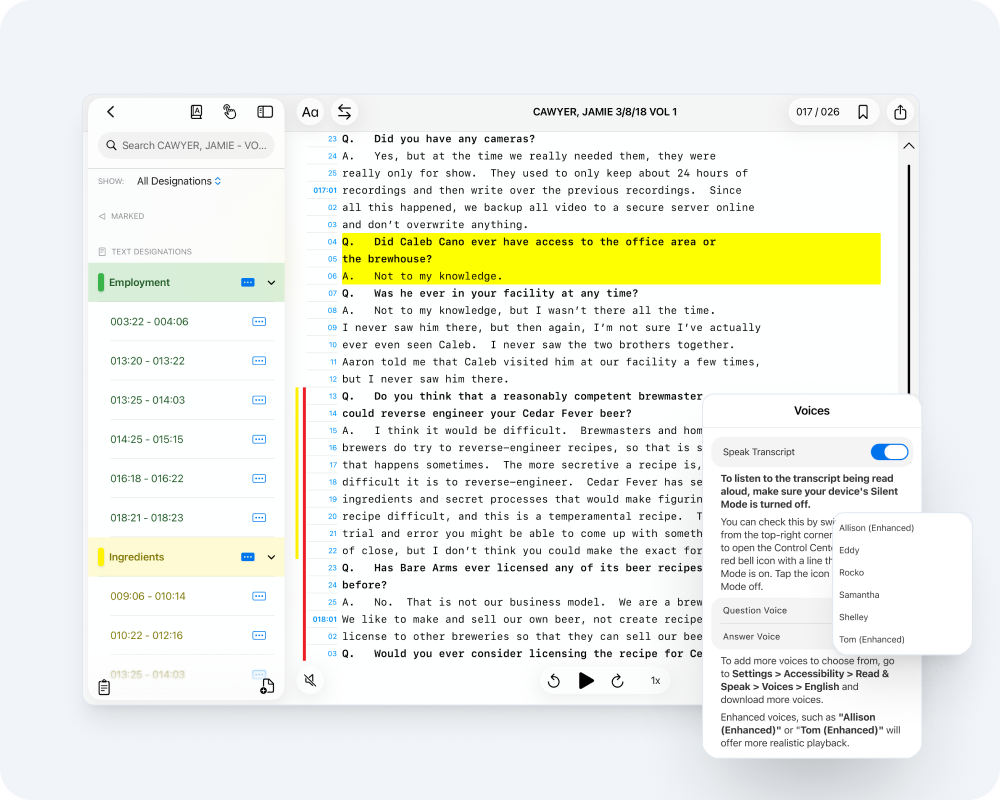
WHY LITIGATORS USE TRANSCRIPTPAD
Prep that moves straight into court
- Sync video depositions directly to transcripts
- Generate summaries, impeachment reports, and testimony slides
- Send prepared testimony straight into TrialPad without rebuilding
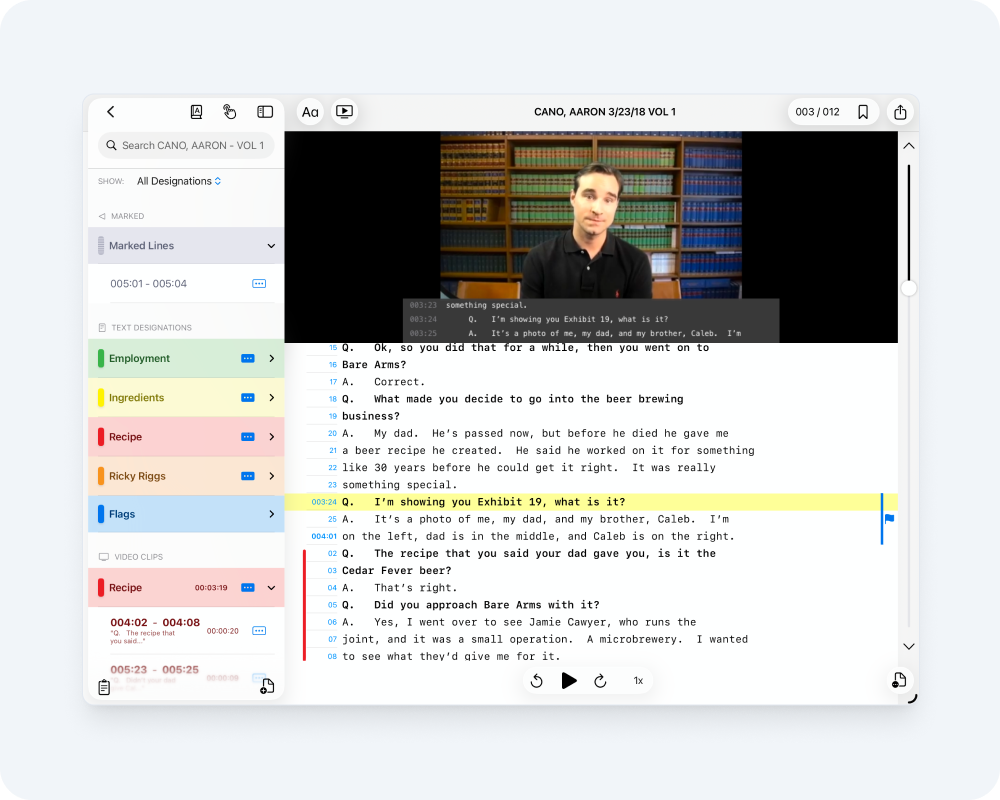
TRANSCRIPTPAD IS INCLUDED IN THE LIT SUITE
Part of a complete litigation workflow
Deliver clear, compelling presentations that keep judges, jurors, and arbitrators focused on your evidence.
Explore TrialPad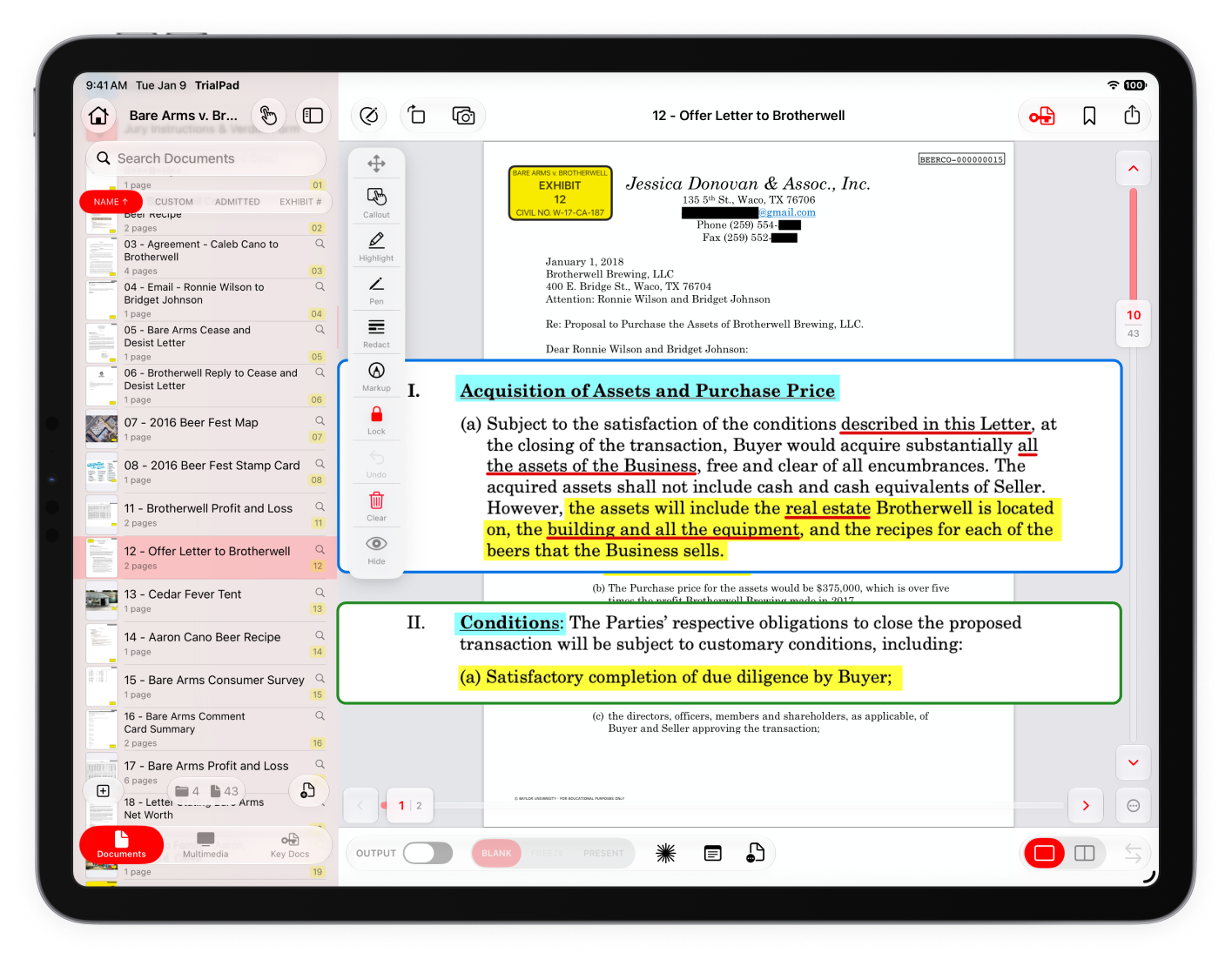
Create designations, assign issue codes, and apply highlights, redactions, and notes with precision.
Explore TranscriptPad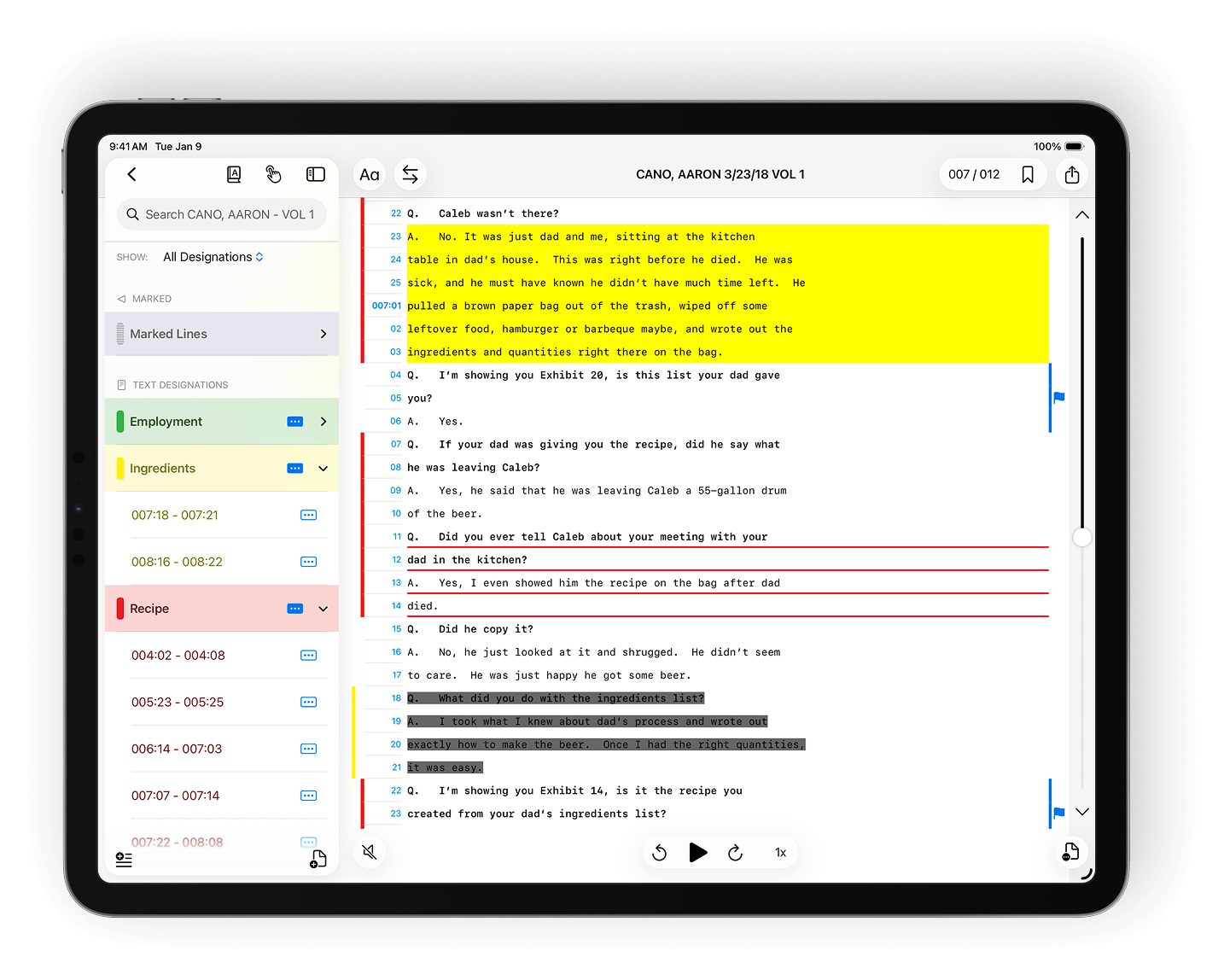
Assign tags and custom issue codes to pages or entire documents for organized review.
Explore DocReviewPad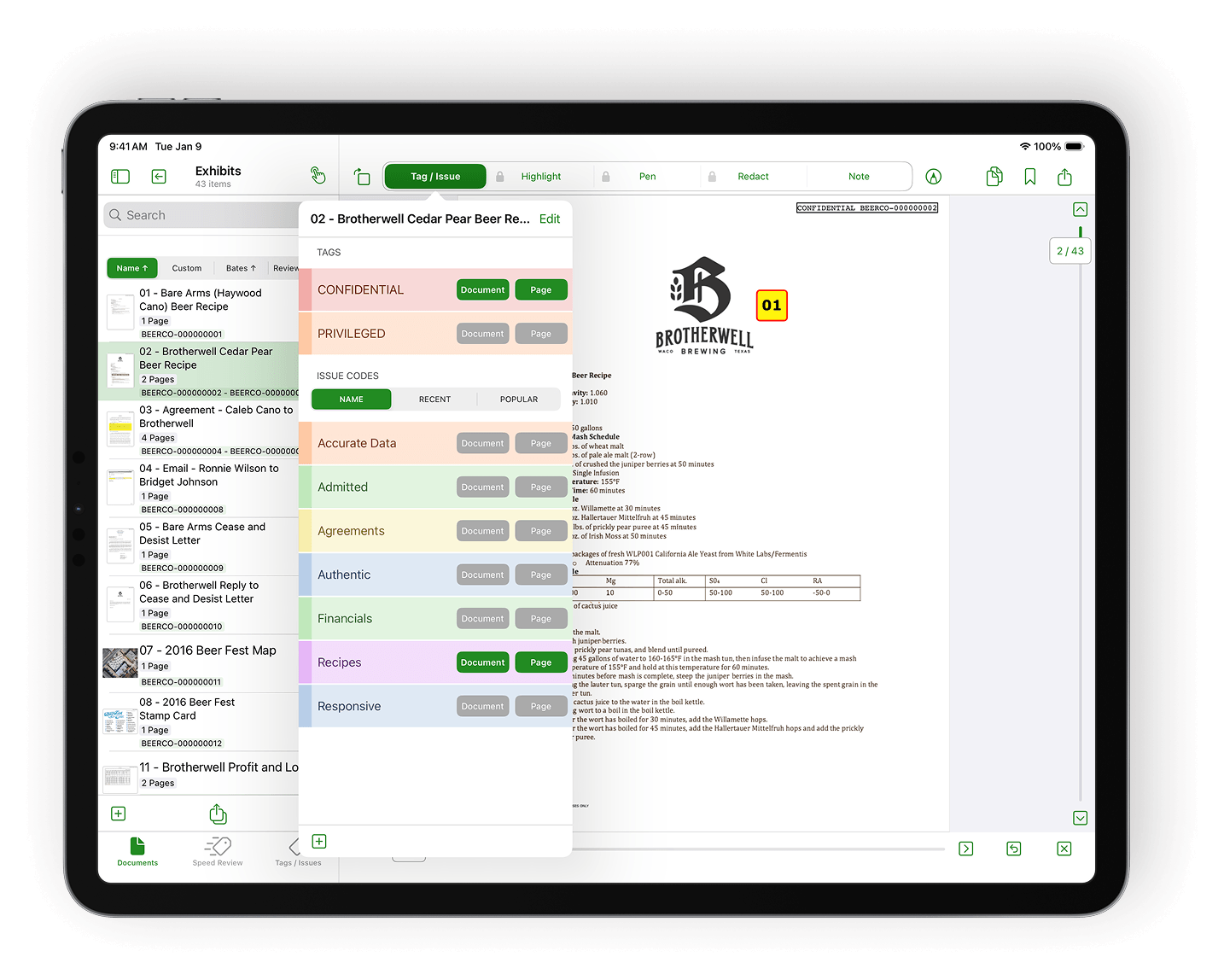
Build visual timelines that make your case story easy to follow.
Explore TimelinePad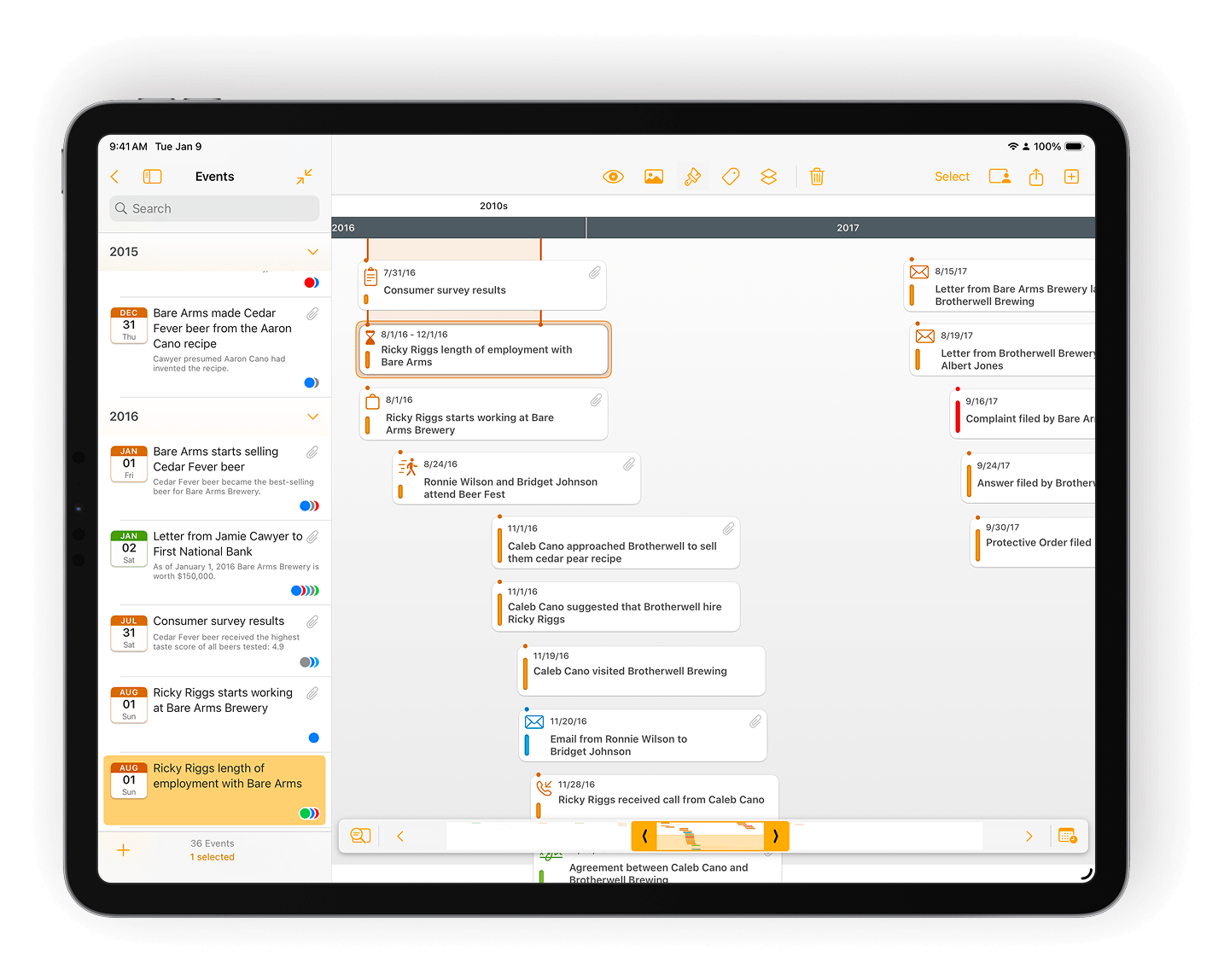
Load identical exhibit sets onto multiple iPads for uniform jury access.
Explore ExhibitsPad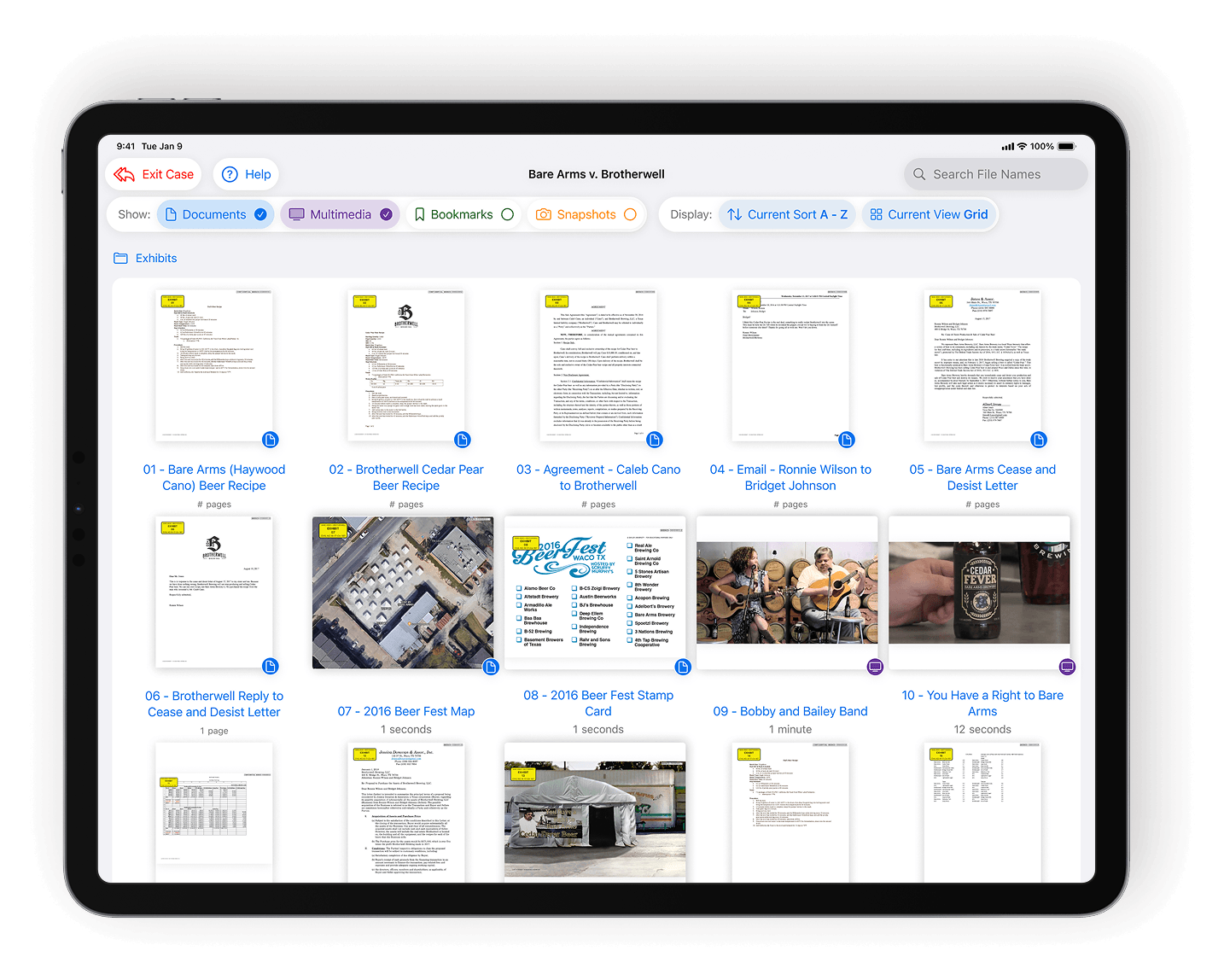
WORKING IN A LITIGATION TEAM?
Get priority customer support
Get onboarding, training, and real-time support from litigation software experts.
- Guided onboarding and firm rollout
- Priority support for active trial teams
- Optional live screen-share sessions for setup and prep
- Quarterly, team-specific training included